Hi guys,
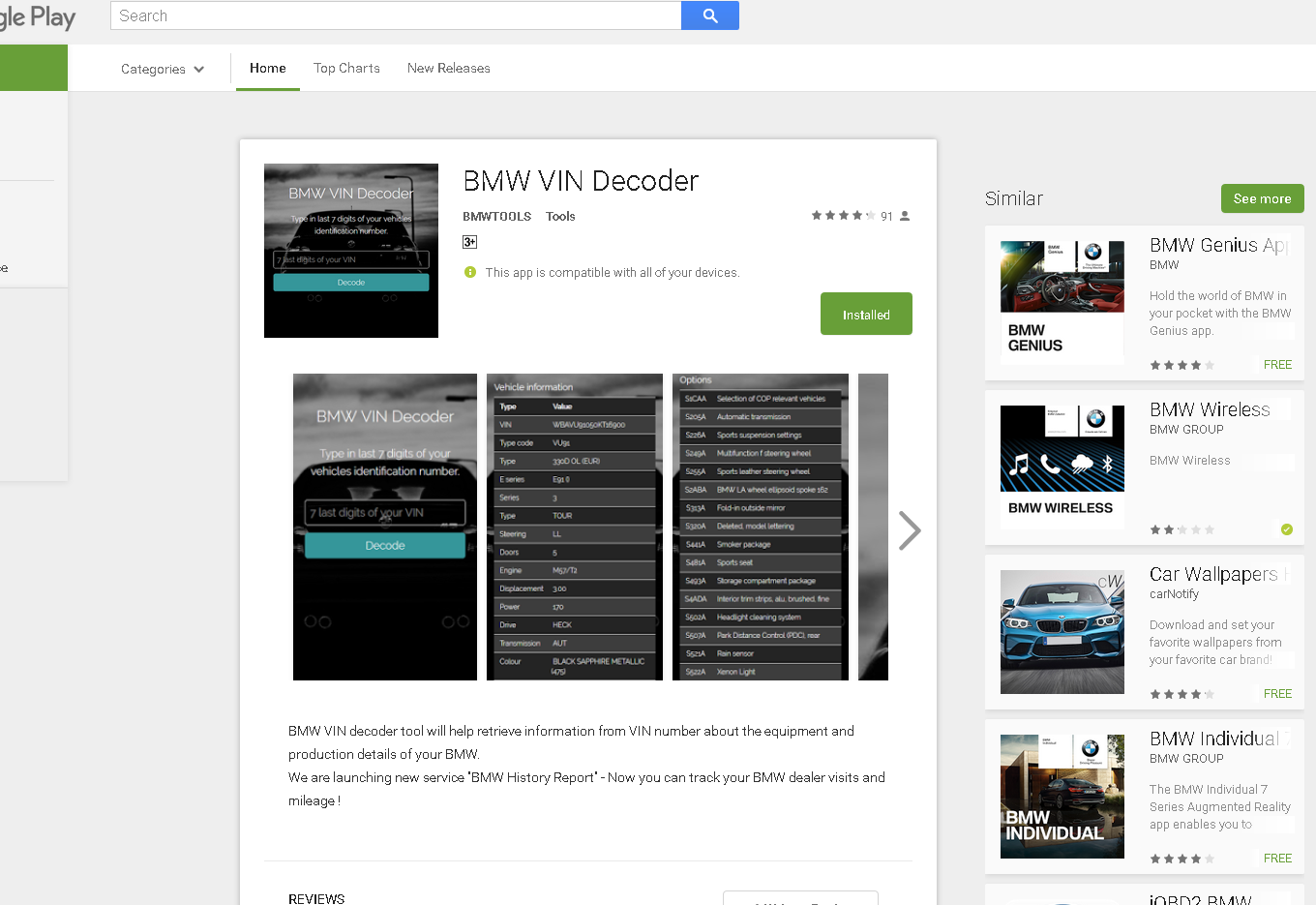
I found a really awesome VIN decoder for BMWs that gives lots of additional info like the vehicle options and interior options etc for most BMWs on the road today :bravo:
Access here: http://www.rubmw.ru/vincode/eng/
The site is in Russian and requires registration for use :fencelook:
For those of us not really in with Russian, I've put together a guide to access the site and registration steps as it does not work with any sort of translator on any of the browsers that I've tried :thumbdo:
Follow the steps below:
Step 1:
Access the link above, try searching with the last 7 digits of your VIN, the following message will appear:
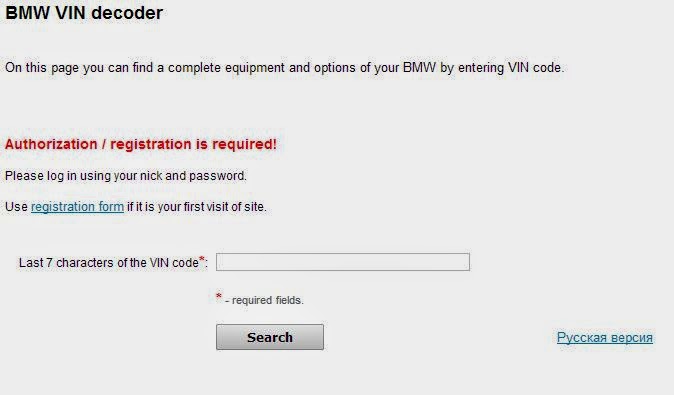
Click the 'registration form' button

Step 2:
Fill in the reg form:

Step 3:
Once the reg form has been successfully filled out, it will send an activation email to your account - follow the link on the mail (with GMail, it sent the activation to my Spam folder)
Step 4:
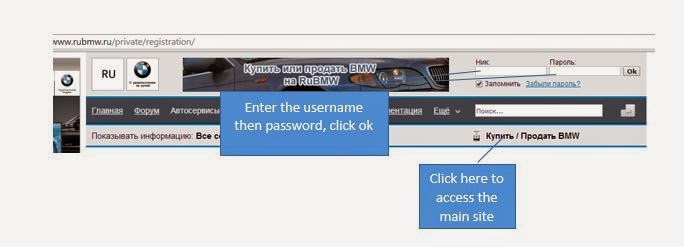
Click the link to Login to the site:

Enter your registered username and password, then access the main site:
Step 5:
Click the link to access the VIN decoder page:

Click on the 'English Version' button to access the Decoder in English:

:thumbs::bravo: Hope that this helps! And share some info that you might learn about your car here too :ty:
Fuzz
I found a really awesome VIN decoder for BMWs that gives lots of additional info like the vehicle options and interior options etc for most BMWs on the road today :bravo:
Access here: http://www.rubmw.ru/vincode/eng/
The site is in Russian and requires registration for use :fencelook:
For those of us not really in with Russian, I've put together a guide to access the site and registration steps as it does not work with any sort of translator on any of the browsers that I've tried :thumbdo:
Follow the steps below:
Step 1:
Access the link above, try searching with the last 7 digits of your VIN, the following message will appear:
Click the 'registration form' button
Step 2:
Fill in the reg form:
Step 3:
Once the reg form has been successfully filled out, it will send an activation email to your account - follow the link on the mail (with GMail, it sent the activation to my Spam folder)
Step 4:
Click the link to Login to the site:
Enter your registered username and password, then access the main site:
Step 5:
Click the link to access the VIN decoder page:
Click on the 'English Version' button to access the Decoder in English:
:thumbs::bravo: Hope that this helps! And share some info that you might learn about your car here too :ty:
Fuzz