maximus
///Member
How a real life fibre-to-the-home installation looks
We take a look at how a fibre-to-the-home installation works, and photos of an actual FTTH set-up from Vumatel
By Staff Writer - April 9, 2015
http://mybroadband.co.za/news/fibre/121462-how-a-real-life-fibre-to-the-home-installation-looks.html
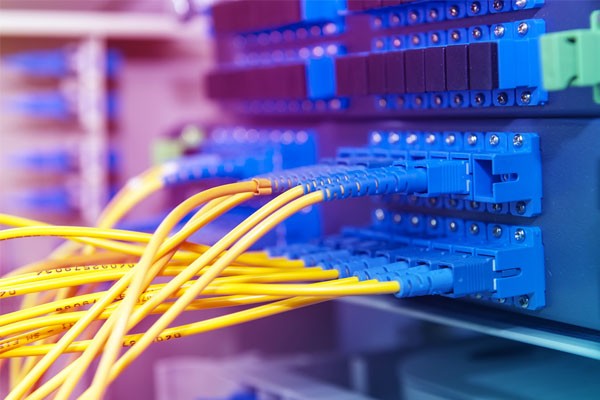
Vumatel is rolling out fibre-to-the-home (FTTH) in many suburbs around the country, offering speeds of up to 1Gbps to subscribers.
The first homes in Parkhurst received access to a Gigabit per second Vumatel fibre connection on 28 October 2014.
One Parkhurst resident shared his experience in getting fibre-to-the-home installed at his home.
How fibre-to-the-home is installed
There are three basic steps in providing FTTH services: building a backbone network, installing fibre to each block, and connecting homes to the fibre network.
*Backbone network – The backbone network is typically a fibre ring which feeds the fibre from a distribution node to every block.
*Fibre in each block – After the backbone network is installed, each block in the neighbourhood starts to get fibre. This is where everyone’s pavements are dug up to put in the fibre.
*Connecting homes – Fibre is taken from the distribution box on the boundary wall into the home.
The following image gives a basic overview of a fibre-to-the-home installation from Vumatel in Parkhurst.
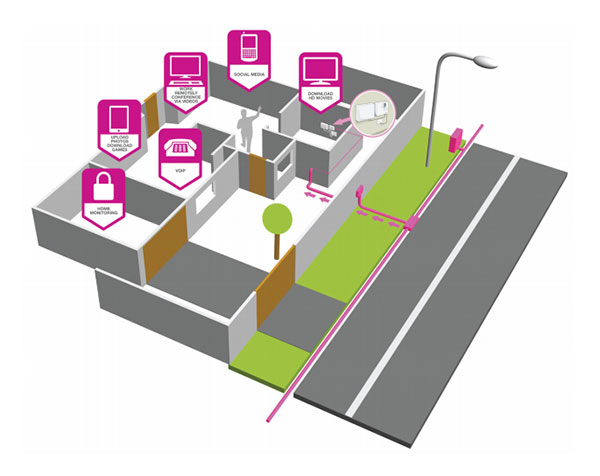
A real-life FTTH installation
MyBroadband member Ockie, who lives in Parkhurst, documented his FTTH installation from Vumatel.
He said the installers arrived at 14:00, and the installation was completed by around 18:00.
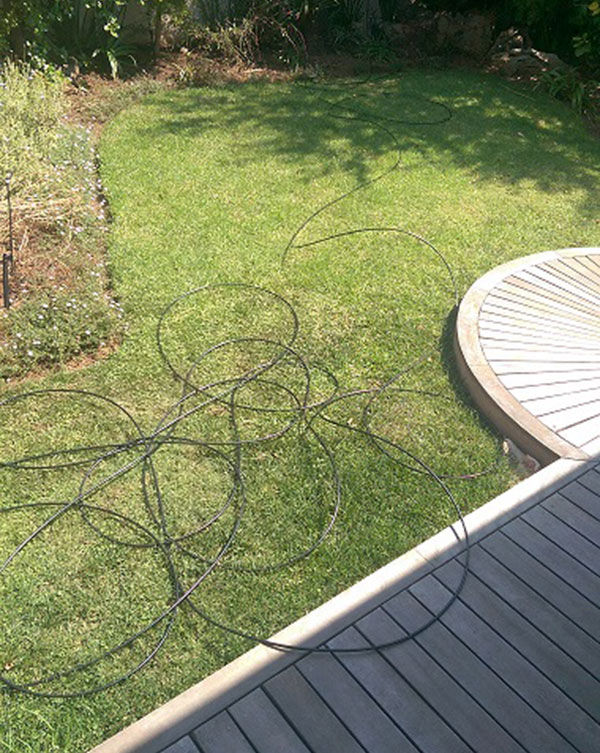
“There was no digging (trenching) that had to be done in the garden, for which I am very grateful. Vumatel’s staff were great, friendly, and answered all my questions,” he said.
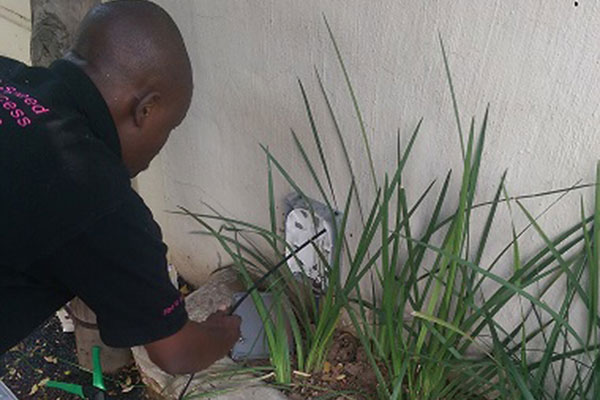
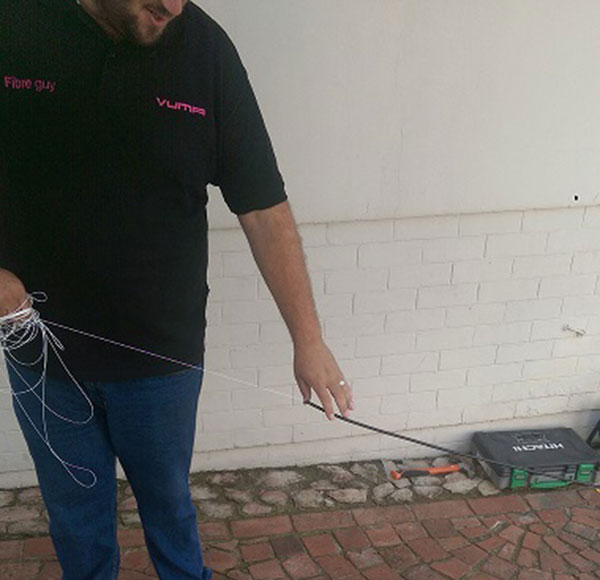
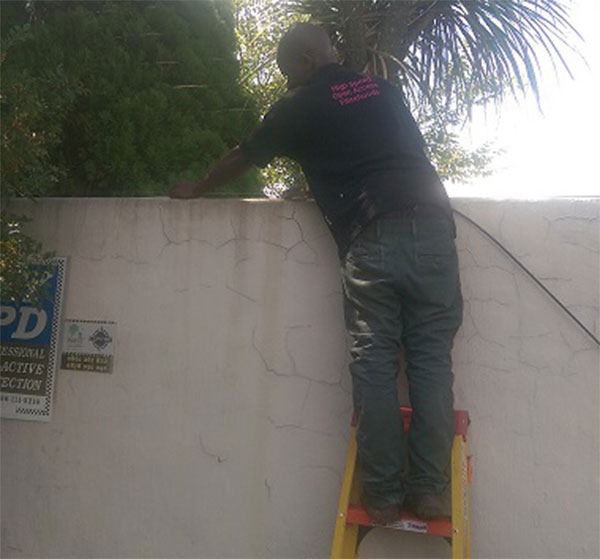
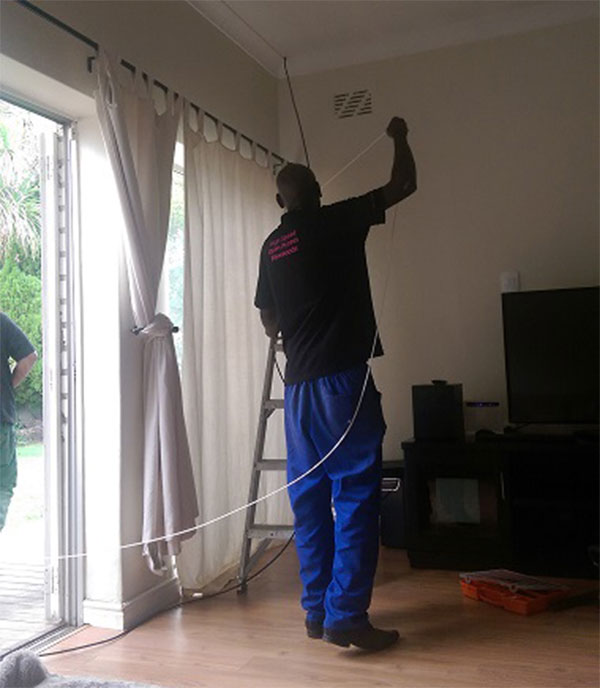
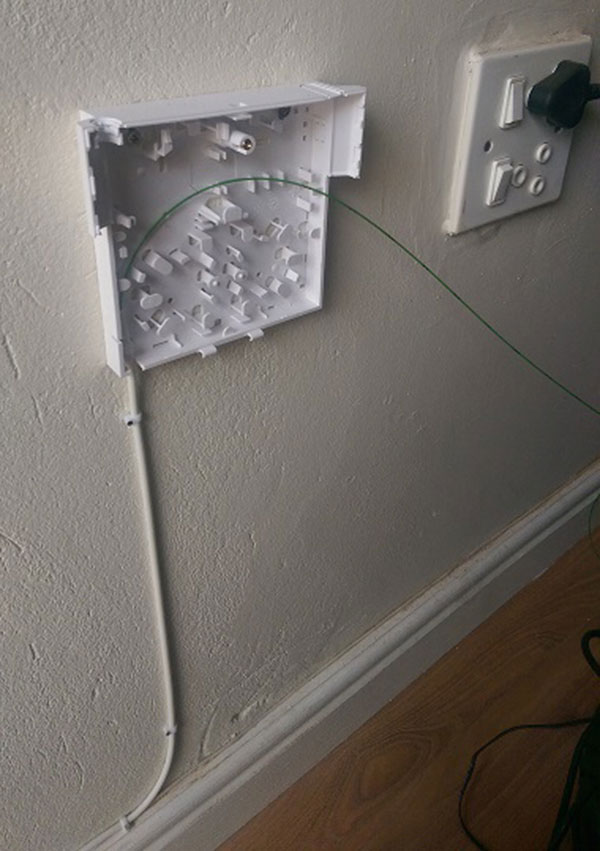
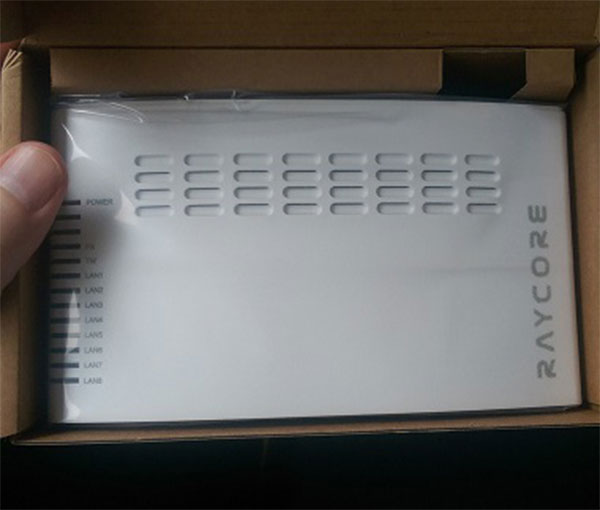
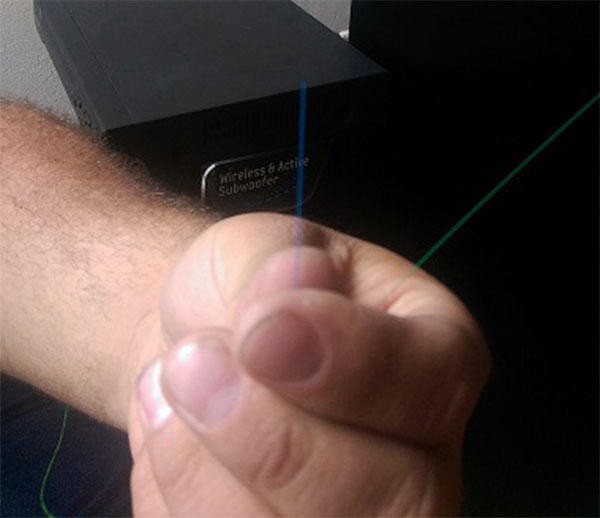
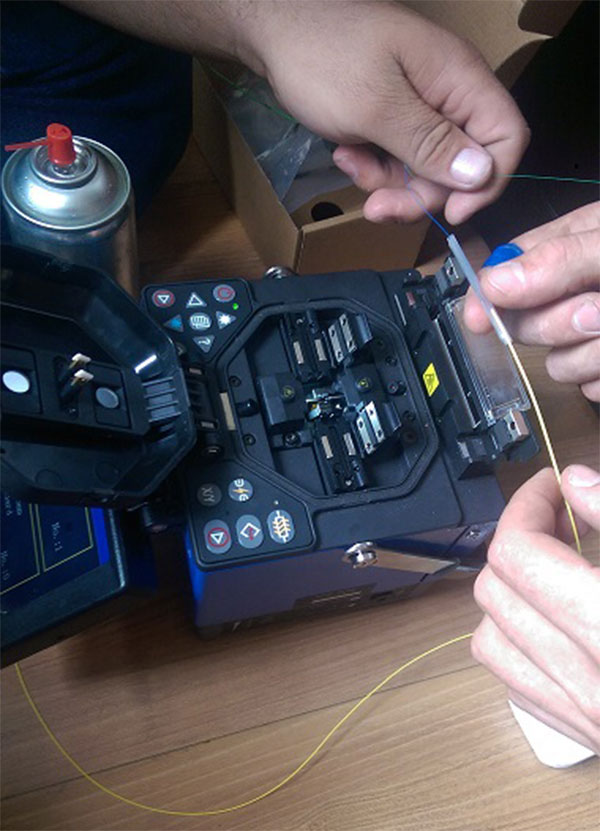
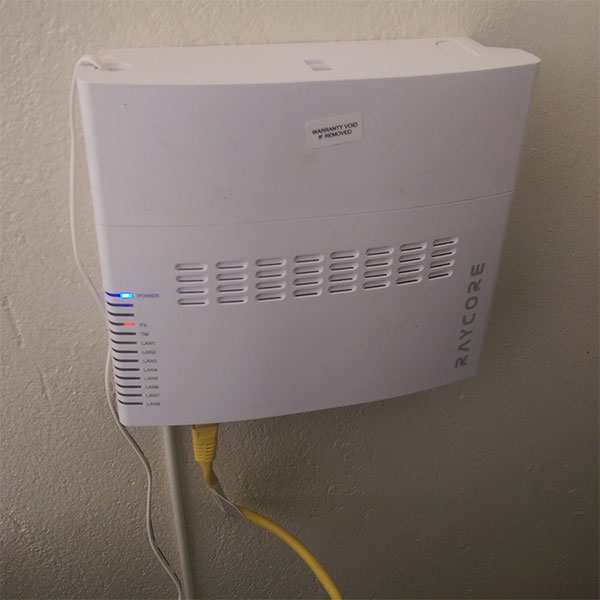
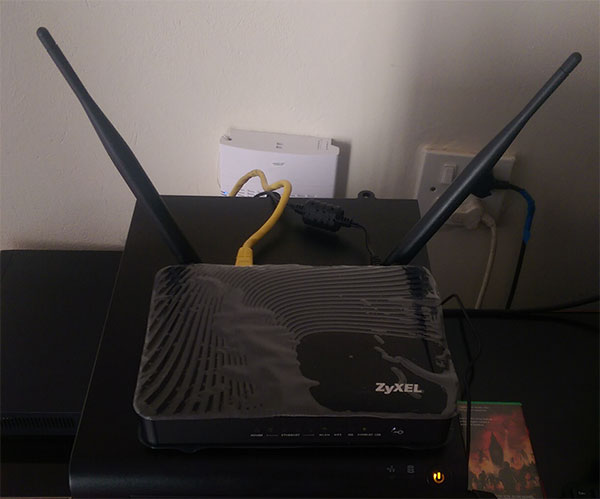
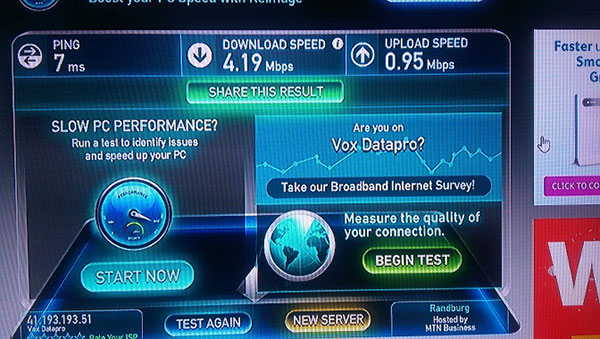
The following photos provide an overview of the fibre-to-the-home installation process.
We take a look at how a fibre-to-the-home installation works, and photos of an actual FTTH set-up from Vumatel
By Staff Writer - April 9, 2015
http://mybroadband.co.za/news/fibre/121462-how-a-real-life-fibre-to-the-home-installation-looks.html
Vumatel is rolling out fibre-to-the-home (FTTH) in many suburbs around the country, offering speeds of up to 1Gbps to subscribers.
The first homes in Parkhurst received access to a Gigabit per second Vumatel fibre connection on 28 October 2014.
One Parkhurst resident shared his experience in getting fibre-to-the-home installed at his home.
How fibre-to-the-home is installed
There are three basic steps in providing FTTH services: building a backbone network, installing fibre to each block, and connecting homes to the fibre network.
*Backbone network – The backbone network is typically a fibre ring which feeds the fibre from a distribution node to every block.
*Fibre in each block – After the backbone network is installed, each block in the neighbourhood starts to get fibre. This is where everyone’s pavements are dug up to put in the fibre.
*Connecting homes – Fibre is taken from the distribution box on the boundary wall into the home.
The following image gives a basic overview of a fibre-to-the-home installation from Vumatel in Parkhurst.
A real-life FTTH installation
MyBroadband member Ockie, who lives in Parkhurst, documented his FTTH installation from Vumatel.
He said the installers arrived at 14:00, and the installation was completed by around 18:00.
“There was no digging (trenching) that had to be done in the garden, for which I am very grateful. Vumatel’s staff were great, friendly, and answered all my questions,” he said.
The following photos provide an overview of the fibre-to-the-home installation process.